To save money on server costs, I have disabled image uploads. Images are embedded in the following way:
! [image name] (image link)
(Minus the spaces obviously).
The image name can be anything.
Example:
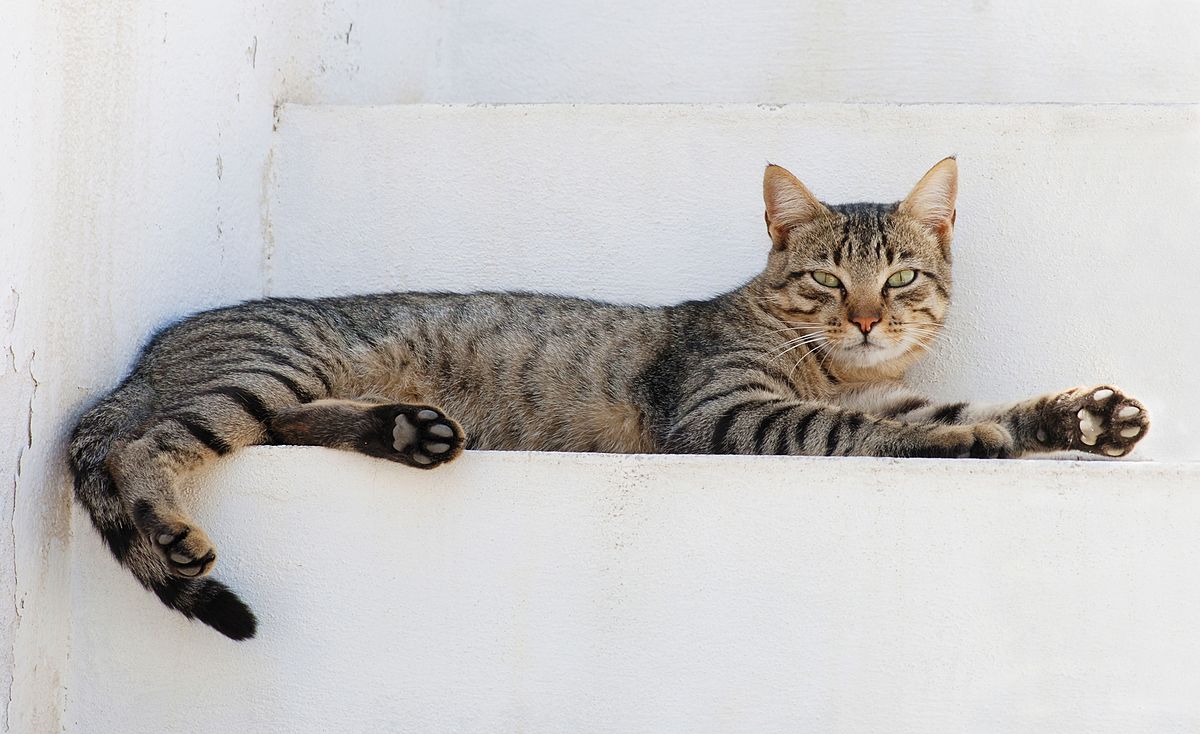
! [lazy cat] (https://upload.wikimedia.org/wikipedia/commons/thumb/1/15/Cat_August_2010-4.jpg/1200px-Cat_August_2010-4.jpg)
gives us:
Obviously, hosted images will not be up forever. So for older pages, view the archive version.
Note: Imgur has difficulty embedding images. Please use PostImages or Catbox. You can also open an image in a new tab, save it with Archive.is, and then open that image in a new tab.